Build the event before sales open
EVENT SETUP
Create the public event page, ticket types, categories, sale windows, eligibility rules, and staff access before buyers ever hit checkout.
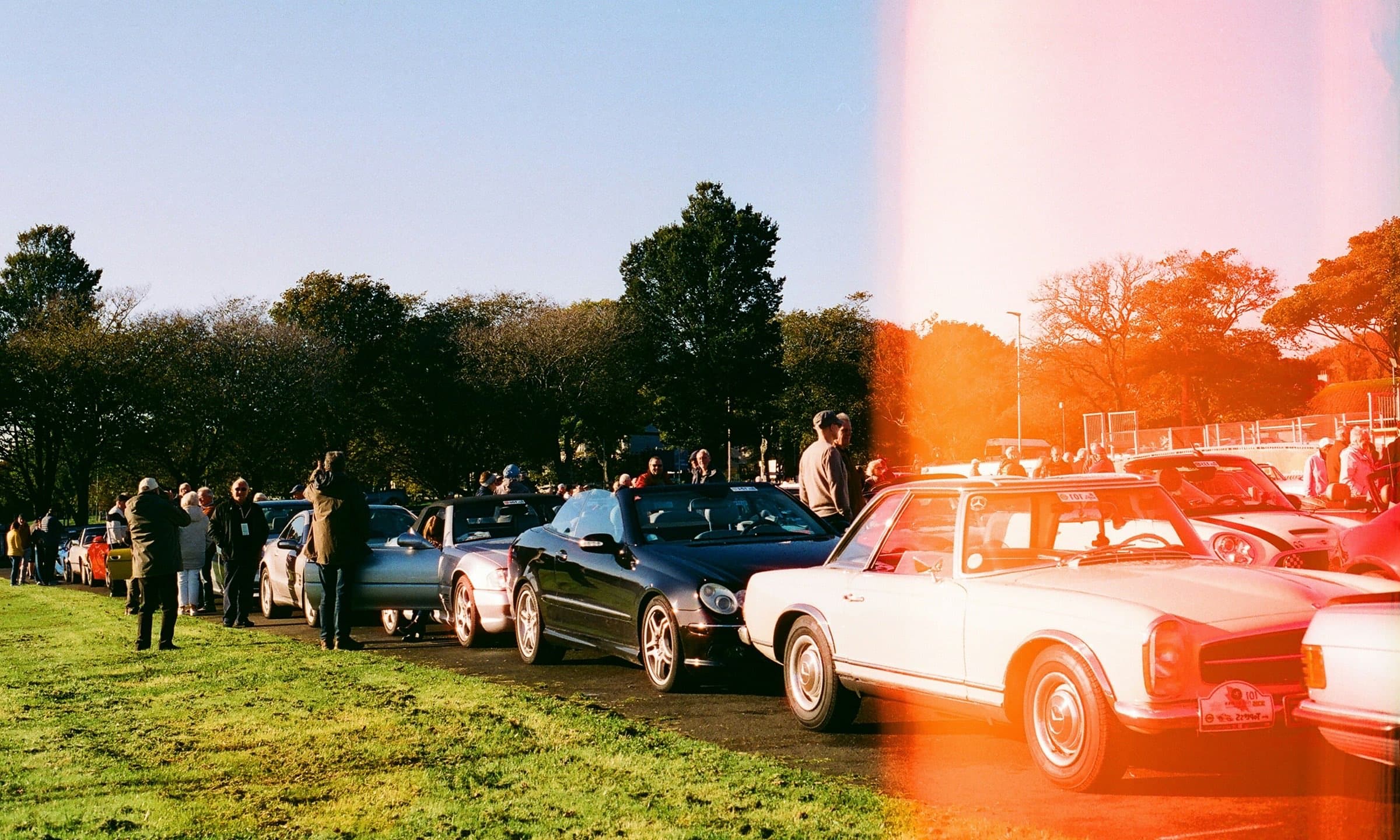
Pitform organizes the full show lifecycle around the people, tickets, vehicles, field work, awards, and records that need to stay accurate from setup through closeout.
EVENT SETUP
Create the public event page, ticket types, categories, sale windows, eligibility rules, and staff access before buyers ever hit checkout.
REGISTRATION
Sell admission, display, VIP, vendor, comp, and promo tickets while vehicle details, owner access, orders, and signed ticket links stay attached to the event.
EVENT DAY
Scan ticket QR codes, search by owner or vehicle, confirm arrivals, handle walk-ups, block invalid tickets, and link display-code stickers from focused event-day screens.
ON THE FIELD
Attendees scan QR stickers to open public vehicle pages with photos, details, and story, then cast category votes without downloading an app or signing in.
AFTER AWARDS
Review results privately, resolve ties or overrides, publish winners when ready, manage refunds or cancellations, and export the records needed after the field clears.
Organizers manage the business of the show, event staff move people and cars through the gate, and participants manage tickets and vehicles without touching admin tools.
Prepare ticket types, sale windows, categories, eligibility rules, public pages, promo codes, comps, refunds, cancellations, exports, and publishing controls.
Event staff scan tickets, type visible codes, block duplicate or invalid entries, confirm arrivals, process walk-ups, and connect display codes.
Owners access tickets in My Account, create saved vehicle profiles with photos and details, and assign those vehicles to display tickets and future events.
Each phase has a specific job: prepare the event, open sales, run the gate, support the field, and close out without rebuilding the show after the fact.
Organizer subdomains, public pages, ticket types, categories, sale windows, eligibility rules, and staff access are prepared before registration opens.
Display registration, admission, VIP, vendors, free tickets, paid tickets, comps, promo codes, signed ticket links, and My Account access give buyers a complete event path.
Event staff work ticket admission, arrivals, walk-ups, visible-code lookup, duplicate protection, fallback check-in, and display-code linking from focused screens.
Public vehicle pages, photo galleries, browsing, QR voting, private results review, published awards, refunds, cancellations, and exports carry the show through closeout.

Event staff can scan signed ticket QR links, type visible ticket codes, search by owner or vehicle, confirm arrivals, block invalid tickets, record walk-ups, and link display-code stickers while the line keeps moving.
Participants create a saved vehicle once: photos, details, story, and the information organizers need for display registration. When they enter another Pitform event, they can choose from their garage instead of rebuilding the same car again. Each show still keeps its own check-in, QR voting, awards, and export history.
Admin Orders keeps ticket links, resend controls, ticket status, checked-in counts, refunds, cancellations, and exports visible for the event team. Paid ticketing uses the organization's Stripe Connect setup; free tickets still create orders and tickets.
The public experience does not end at voting. Organizers can review results privately, resolve ties, publish winners, and keep awards connected to the vehicle pages, photos, and event exports.
Attendees vote by category from the vehicle page without downloading an app or checking email, and can change or remove votes while voting is open.
Organizers review votes privately, resolve ties, make overrides when needed, and publish winners only when the awards are ready.
Attendance, orders, ticket status, check-in status, votes, winners, refunds, cancellations, and payment records export cleanly after the show.
Pitform is built for organization-scoped operations. Platform control, organization administration, event staff access, and public participant surfaces stay in their proper lanes.
Organization data stays scoped.
Each organizer runs under its own Pitform context, with app operations separated from the public marketing site and tenant routes separated from platform routes.
Platform and organization roles stay distinct.
Super Admin is platform-level control. Organization Admin is organization-scoped control. Event staff get focused day-of access.
Every show keeps its own operational history.
Reusable participant accounts and vehicle garages do not erase event-specific tickets, check-in, QR voting, awards, refunds, or exports.

Public registration, tickets, staff admission, reusable vehicle profiles, QR voting, published awards, order controls, and exports for automotive event organizers.