Setup
Build the public event presence
Organizer subdomains, public pages, ticket types, categories, sale windows, and staff access are prepared before sales open.
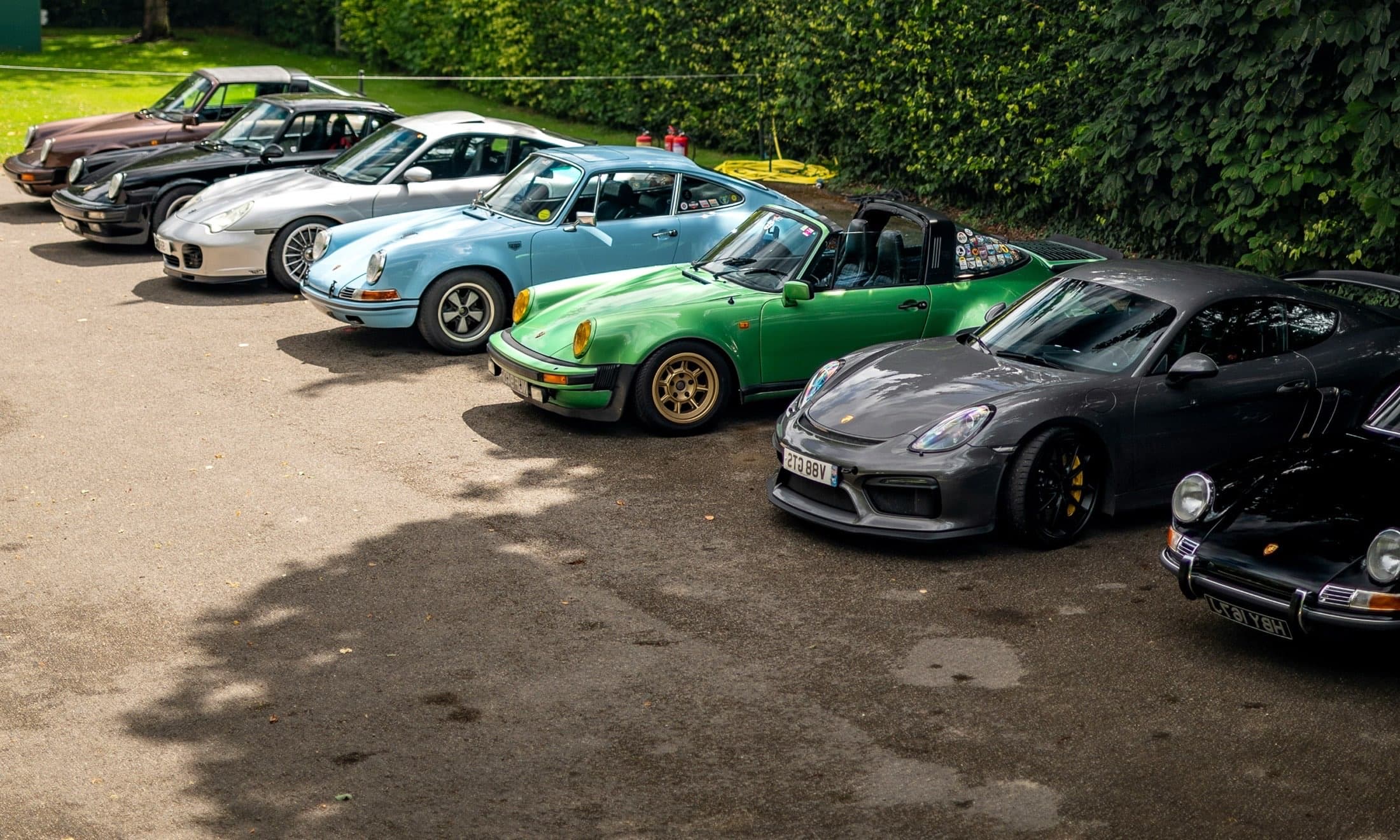
Pitform gives organizers one operating model for the public event, the gate, the vehicles, the awards table, and the closeout work that follows.
Build the public event presence
Organizer subdomains, public pages, ticket types, categories, sale windows, and staff access are prepared before sales open.
Tickets and vehicles stay connected
Display entries, admission, VIP, vendors, comps, promos, paid tickets, free tickets, and saved vehicles stay attached to the show.
Move the gate without guesswork
Event staff scan tickets, confirm vehicle arrivals, handle walk-ups, and connect QR display stickers from focused event-day screens.
Publish winners from the record
Votes, awards control, order adjustments, refunds, cancellations, and exports remain available for closeout.
Most organizers are forced to reconcile forms, ticketing, gate sheets, sticker lists, voting tools, award notes, refund records, and exports while the event is already moving.
Forms collect entries.
Then someone still has to turn submissions into cars, tickets, categories, check-in lists, and field-ready records.
Ticketing stops at the gate.
Generic ticket tools sell access, but they do not understand display vehicles, QR stickers, awards, or show closeout.
Voting loses its source of truth.
Standalone ballots rarely know whether the vehicle checked in, which QR belongs to it, or when winners are ready to publish.
Closeout turns into cleanup.
Refunds, cancellations, attendance, winners, votes, and exports end up scattered after everyone leaves the field.
Organizers control the event, event staff work the field, and participants manage tickets and reusable vehicles without pushing every job through the same admin view.
Build ticket types, sale windows, categories, public pages, promo codes, refunds, cancellations, and exports before the first car arrives.
Event staff scan ticket QR codes, look up visible codes, block duplicates, handle walk-ups, confirm arrivals, and hand off display stickers.
Owners access tickets from My Account, save vehicle profiles with photos and details, and reuse those vehicles for future Pitform events.
Owners keep a Pitform account with saved vehicles, photos, details, and story. When they enter another Pitform event, they choose from their garage while each show still keeps its own check-in, voting, and award history.
When cars stack up at the gate, the team needs a clear way to verify tickets, find people, confirm vehicles, register walk-ups, and hand off the right QR sticker.

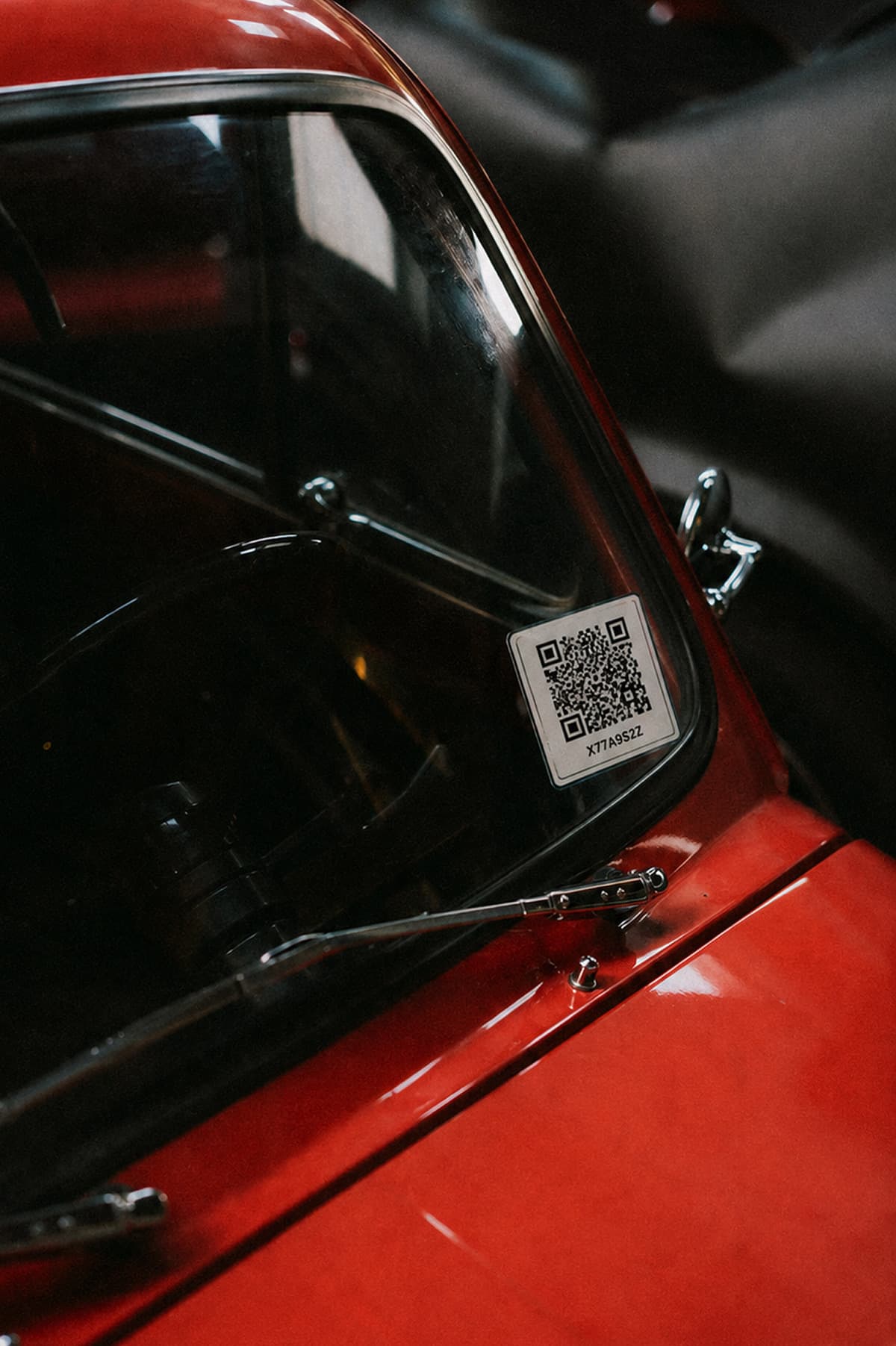
Pitform links each display code to a public vehicle page, so attendees can scan from the field, view photos and details, vote by category without downloading an app, and change their mind while voting is open.
Paid registrations, free tickets, walk-ups, comps, promo codes, refunds, cancellations, ticket links, and payout context stay with the show, so organizers can close out without chasing a second system.

Give organizers, event staff, and participants a vehicle-first operating model before the field starts filling.